
Brisca guide
Play Brisca online with friends
A private room brings known players to the same Brisca table without exposing the match publicly. One player creates the room and the others join with the code shown by BriscaCard.
Last updated: 22 July 2026
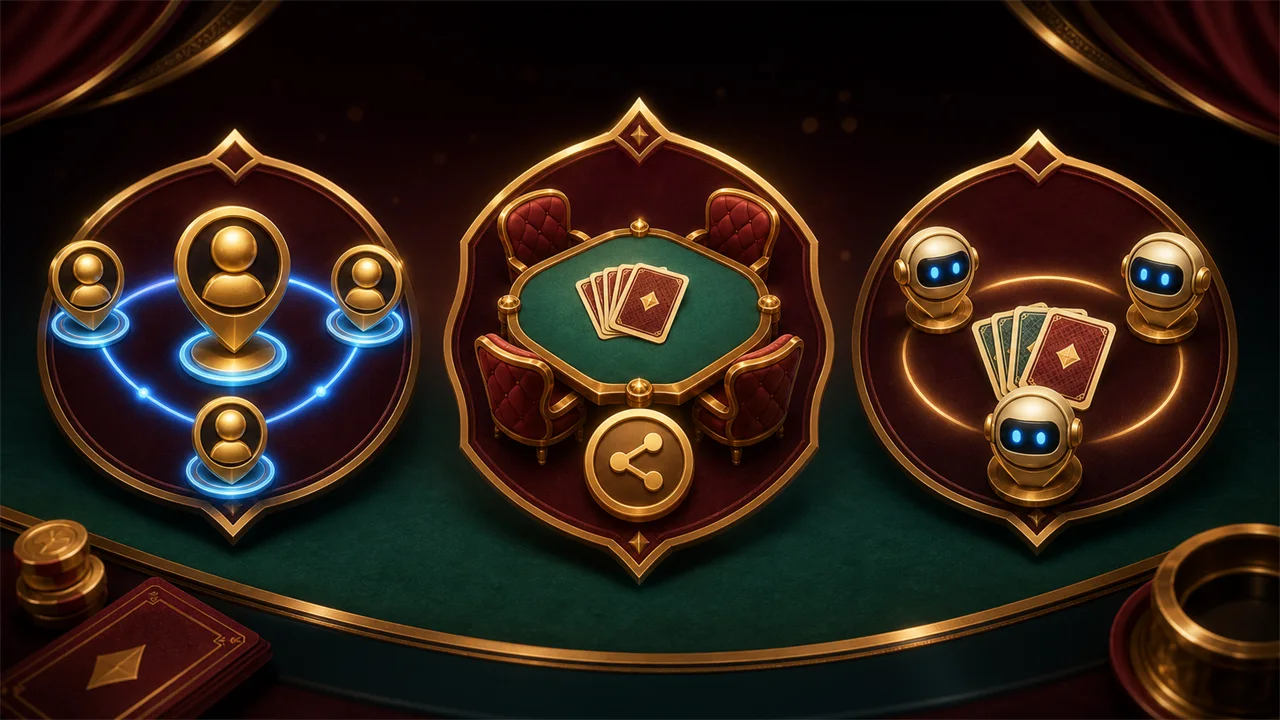
Create the private room
Open the game, choose the friends or private-room option, and create a room. Keep that screen open while BriscaCard displays the code and waits for the other players.
Share only the room code
Send the code to the people you want to invite using your usual messaging channel. A room code is for joining that match; it is not a password and you should never send account credentials or session tokens.
Join the same table
Each invited player opens BriscaCard, selects the friends option, enters the code exactly as shown and confirms. The waiting screen updates as players connect. Start when the selected table has the expected participants.
Keep the match connected
Leave the game tab visible and avoid putting the device to sleep during a hand. If a connection is interrupted, return to the game promptly and follow the reconnection message shown by the application.
Private room or quick game
Use a private room when you already know the other players. Use a quick game when you want BriscaCard to find available opponents. Both modes use the same card hierarchy, trump rules and scoring explained in the guides.